Other Formats
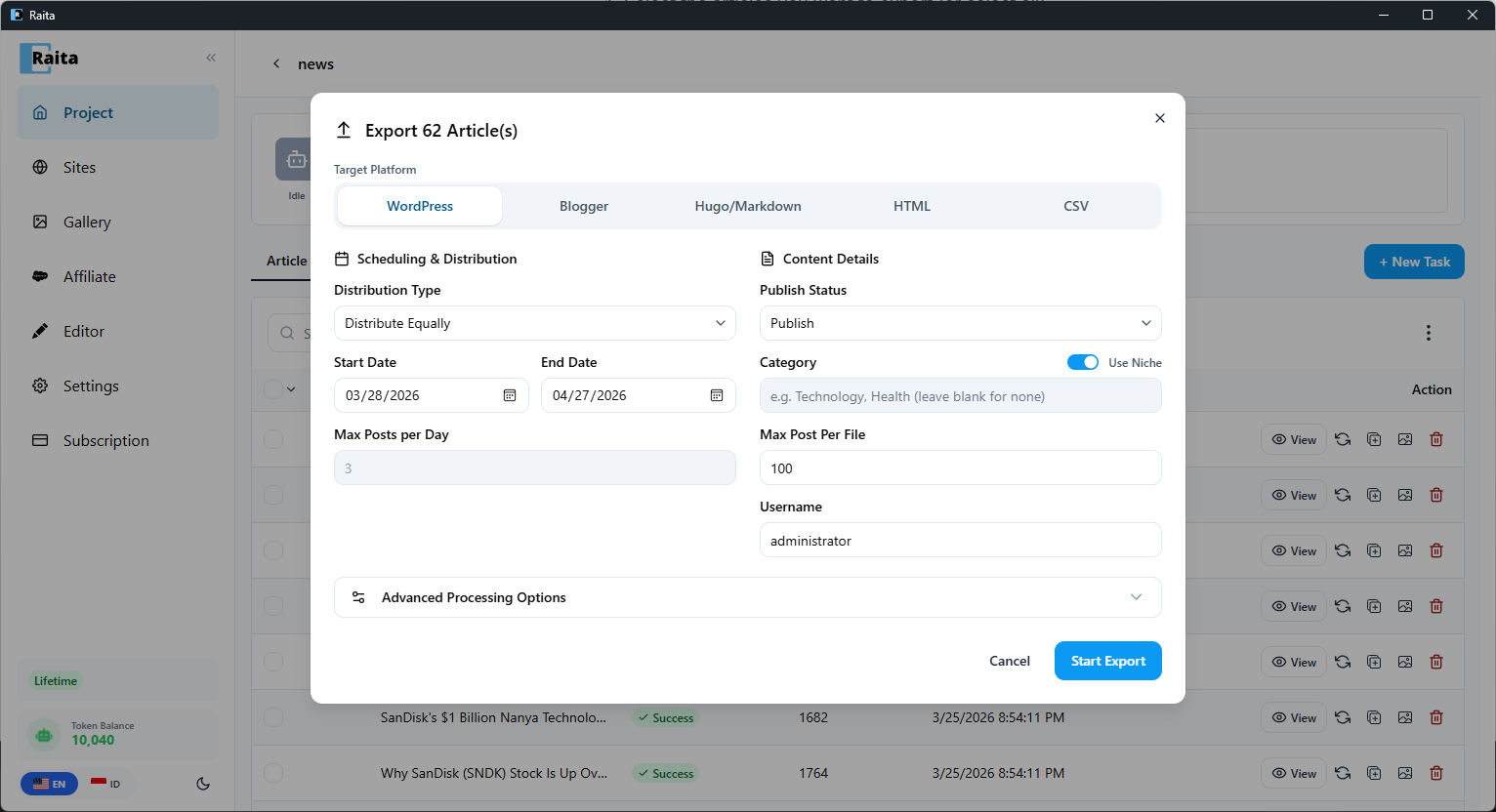
In addition to WordPress, Raita can export articles to several other formats.
How to Export
- Select articles in the project table (use checkboxes for multiple)
- Click Export
- Choose your format
Blogger XML
Exports articles in Blogger's Atom import format.
To import into Blogger:
- In Blogger, go to Settings → Manage Blog
- Click Import content
- Upload the
.xmlfile
Hugo / Markdown
Exports each article as a .md file with front matter for Hugo static sites.
Front matter fields included:
titledatedraft: false
Body: article HTML content (Hugo renders HTML in markdown files).
CSV
Exports all selected articles as a single .csv file.
Columns:
slugpublish_statusdatecontent(HTML)titlecategorydescription(meta description)keywordtags
Useful for importing into custom CMSs or spreadsheet review.
HTML
Exports each article as a standalone .html file with basic document structure.
Useful for static hosting or local review.