
Simple Mode
Simple mode sends one prompt to the AI and returns the result as your article. It's the fastest and most flexible mode.
Best for:
- Short to medium-length articles
- When you want full control over the output structure in a single prompt
- Quick one-shot generation
Starter Templates
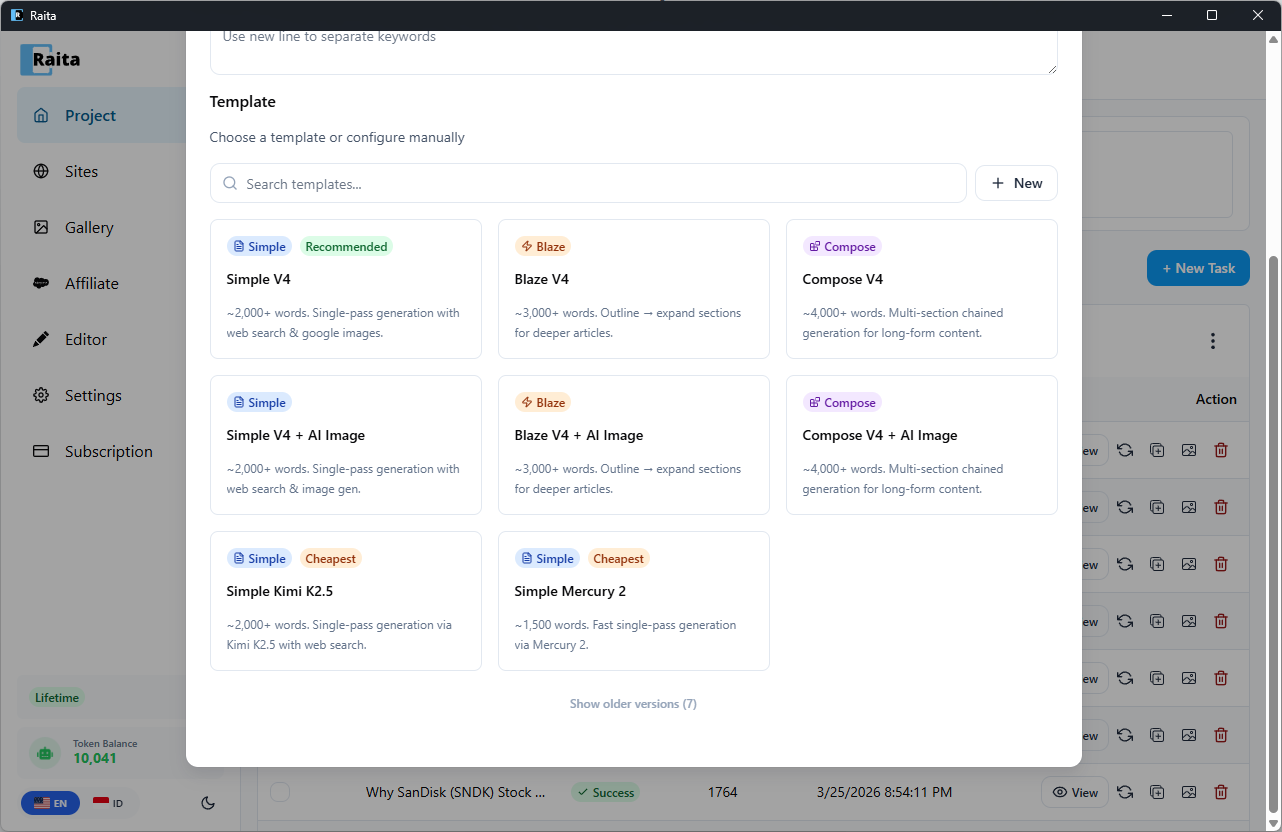
Raita ships with ready-to-use Simple templates so you can start generating immediately:
| Template | Description |
|---|---|
| Simple V4 (Recommended) | ~2,000+ words. Single-pass generation with web search & Google images. |
| Simple V4 + AI Image | ~2,000+ words. Single-pass generation with web search & AI image generation. |
| Simple Kimi K2.5 (Cheapest) | ~2,000+ words. Single-pass generation via Kimi K2.5 with web search. |
| Simple Mercury 2 (Cheapest) | ~1,500 words. Fast single-pass generation via Mercury 2. |
To use a starter template, click + New Task, then select a template from the template picker. The prompt, model, and settings are pre-configured — just enter your keywords and generate.
Configuration
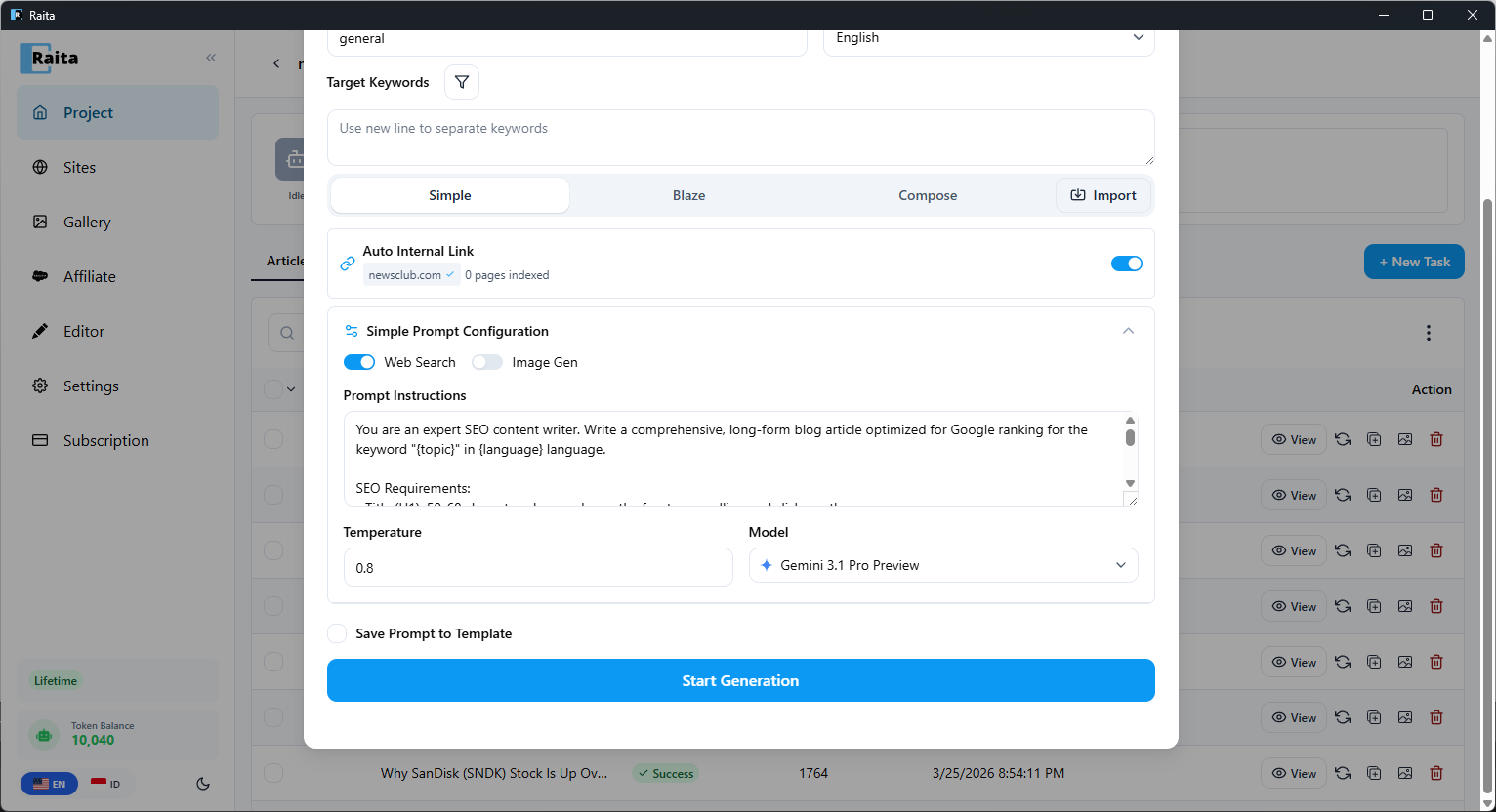
In the New Task form, select the Simple tab.
Prompt
The main prompt sent to the AI. Supports all prompt variables and scraper macros.
A good starting template:
Write a comprehensive, SEO-optimized article about {topic}.
The target audience is interested in {niche}.
Write in {language}.
Use HTML formatting with proper headings (h2, h3), paragraphs, and lists.
Include a compelling introduction and a conclusion.
Temperature
Controls how creative/random the AI's output is. Range: 0.0–2.0.
| Value | Effect |
|---|---|
| 0.3–0.5 | More focused, consistent, factual |
| 0.7 | Balanced (default) |
| 1.0–1.5 | More creative, varied, sometimes surprising |
Model
Override the default model for this specific prompt. If left blank, uses the model configured in Settings.
Web Search
Toggle Web Search to enable the AI to search the web before generating. Behavior depends on your AI provider:
- OpenAI — uses OpenAI's built-in web search tool
- Gemini — uses Google Grounding
- Other providers — the
{webSearch}flag is stripped; no web search occurs
Image Gen
Toggle Image Gen to generate and attach an image to the article.
Debug Mode
Add {debug} to the start of your prompt to preview the fully injected prompt without sending it to the AI. The result view will show the expanded prompt text instead of a generated article. Useful for checking that variables and macros resolved correctly.
Multi-Prompt Randomization
Use | in your prompt to define alternatives. Raita picks one branch randomly at submission time:
Write a formal article about {topic} | Write a conversational article about {topic}
See Randomization for details.