

Randomization
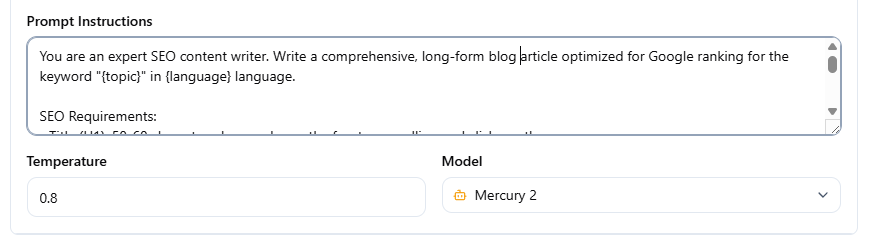
You can define multiple prompt alternatives in a single field using the | (pipe) character. Raita picks one branch randomly at submission time.
Syntax
Separate alternatives with | (space-pipe-space):
Write a formal, authoritative article about {topic} | Write a friendly, conversational article about {topic}
When you submit the worker, Raita randomly selects one of these alternatives and stores it as the worker's actual prompt. The randomization happens once at submission — the chosen branch is fixed for that worker.
Which Fields Support Randomization
All prompt text fields support | randomization:
| Mode | Fields randomized |
|---|---|
| Simple | Main prompt |
| Blaze | Title, LSI/outline, Detail, Meta, Opening, Closing |
| Compose | Title, Meta, each content section |
Behavior Notes
- Randomization is one-time at submission — retrying a failed worker does not re-randomize
- There is no escaping for
|— a literal pipe character in your prompt will be treated as a separator - Nesting is not supported —
A | B | Cgives three alternatives: A, B, or C - Leading/trailing whitespace around each alternative is trimmed
Use Cases
A/B testing prompts:
Write this article in a listicle format | Write this article as a long-form essay
Tone variation:
Use a professional, formal tone | Use a casual, conversational tone | Use a humorous tone
Length variation:
Write a 500-word overview of {topic} | Write a 1500-word deep-dive on {topic}