
Site Connector Setup
Site Connector crawls your website and indexes it so Raita can generate content-aware internal links and understand your existing content.
Setup
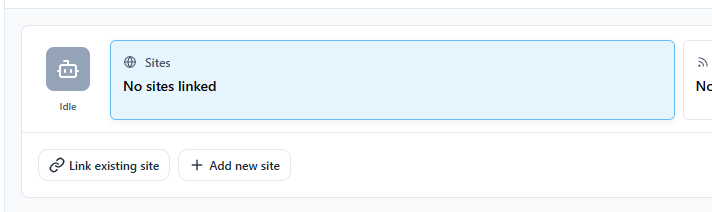
- Go to Sites in the sidebar
- Click Add Site
- Enter your site's base URL (e.g.
https://mysite.com) - Click Save
Crawling
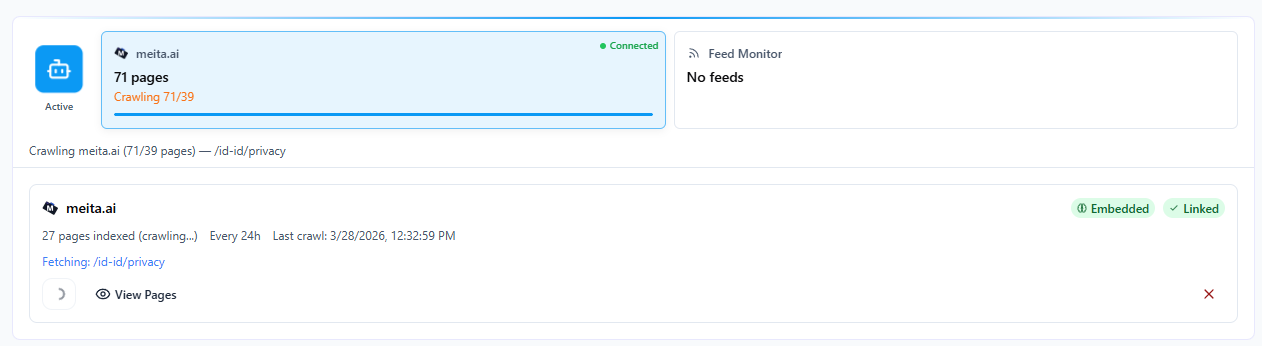
After adding a site, click Start Crawl to begin indexing.
Raita will:
- Fetch your sitemap (if available) or crawl links from the homepage
- Visit each page and extract text content
- Generate vector embeddings for each page
- Store embeddings locally for similarity search
Crawl Status
| Status | Meaning |
|---|---|
| Idle | Not crawled yet |
| Crawling | In progress |
| Done | Crawl complete, pages indexed |
| Failed | Crawl encountered an error |
Click View Pages to see the list of indexed URLs and their content previews.
Re-Crawling
If your site content changes, click Re-crawl to update the index. The existing index is replaced.
Use Cases
Once a site is crawled:
- Raita can generate contextually relevant internal links for new articles
- The
{sitemap=}macro can reference your site's sitemap - Internal link fields in Blaze and Compose modes use the crawled index
See Using Internal Links for how to configure this in your workers.